Ringer
Effortless iPhone ringtones, made on your Mac.
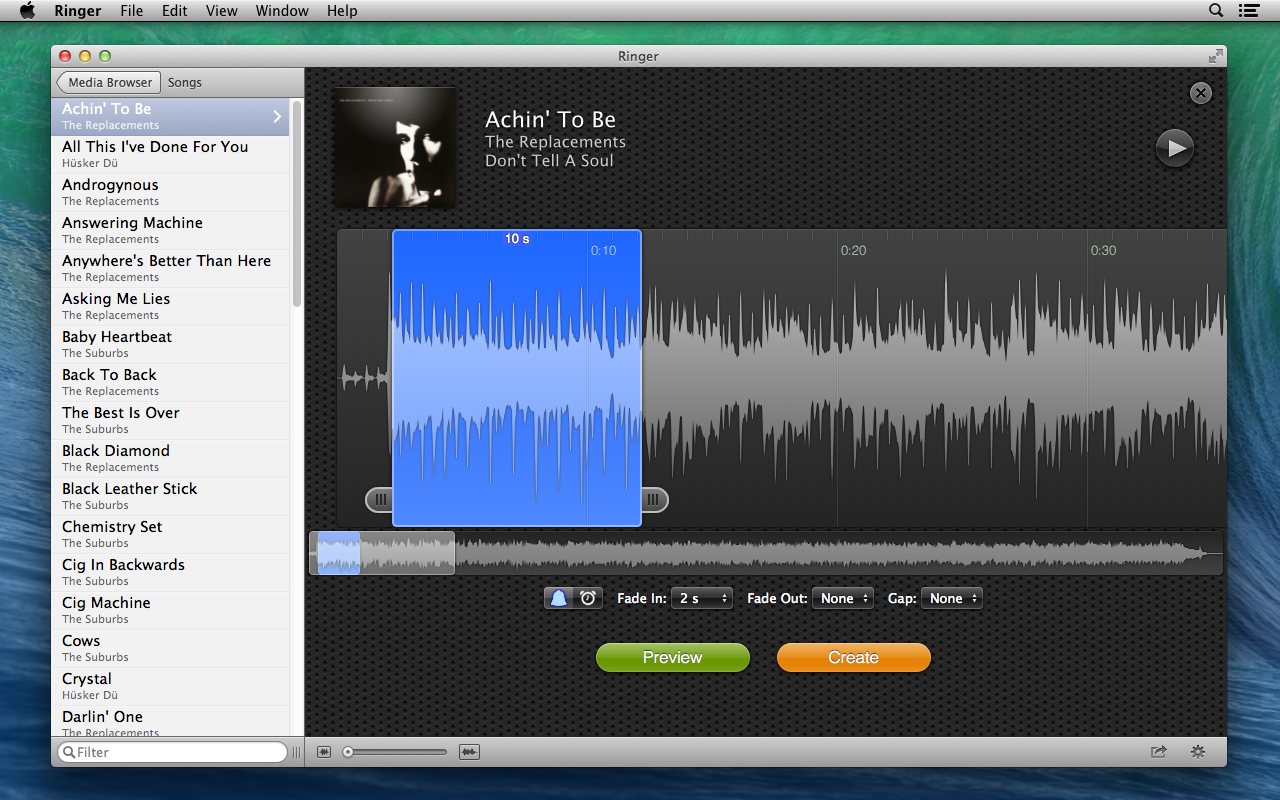
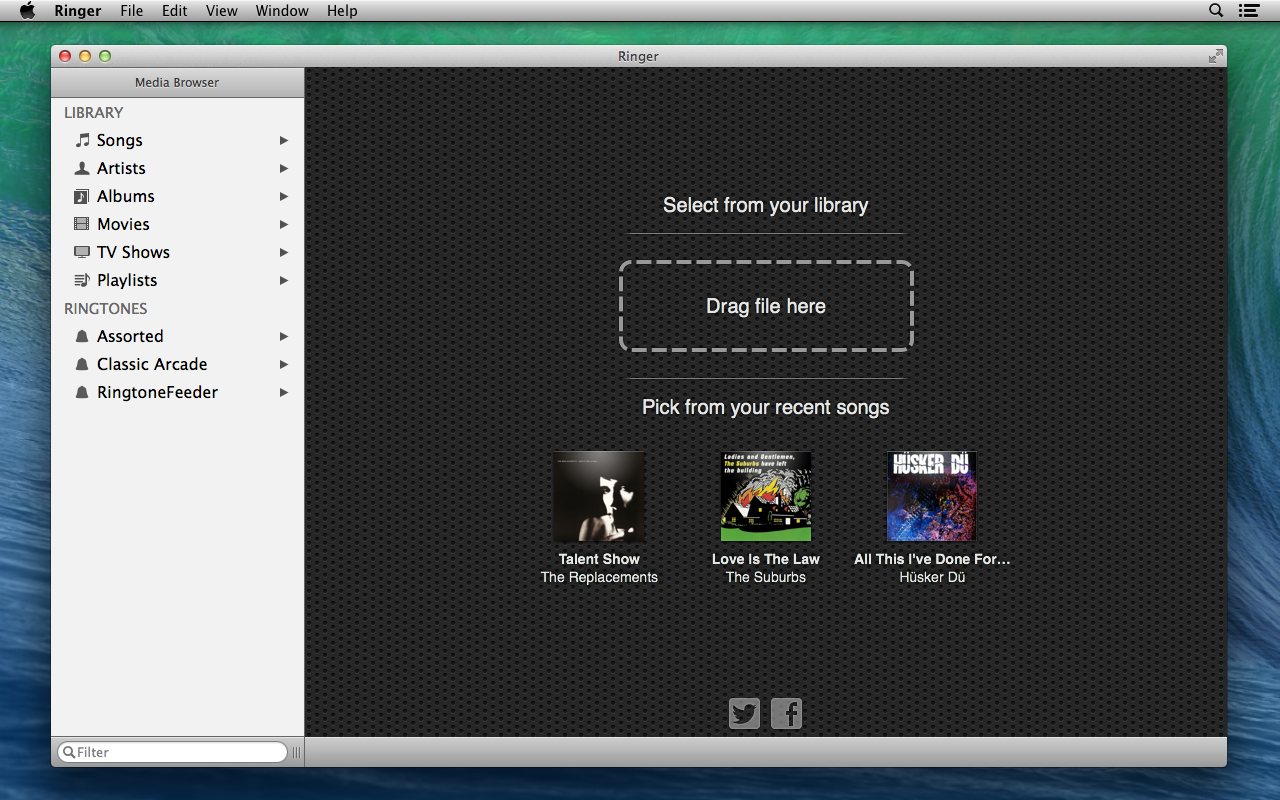
Choose any song or video
Pick any non-protected file from your music library or any media file on your Mac and turn it into a custom ringtone. Make as many as you want; there's no limit.
Any media file
MP3, AAC, MOV, MP4, M4V and more, including the audio from videos.
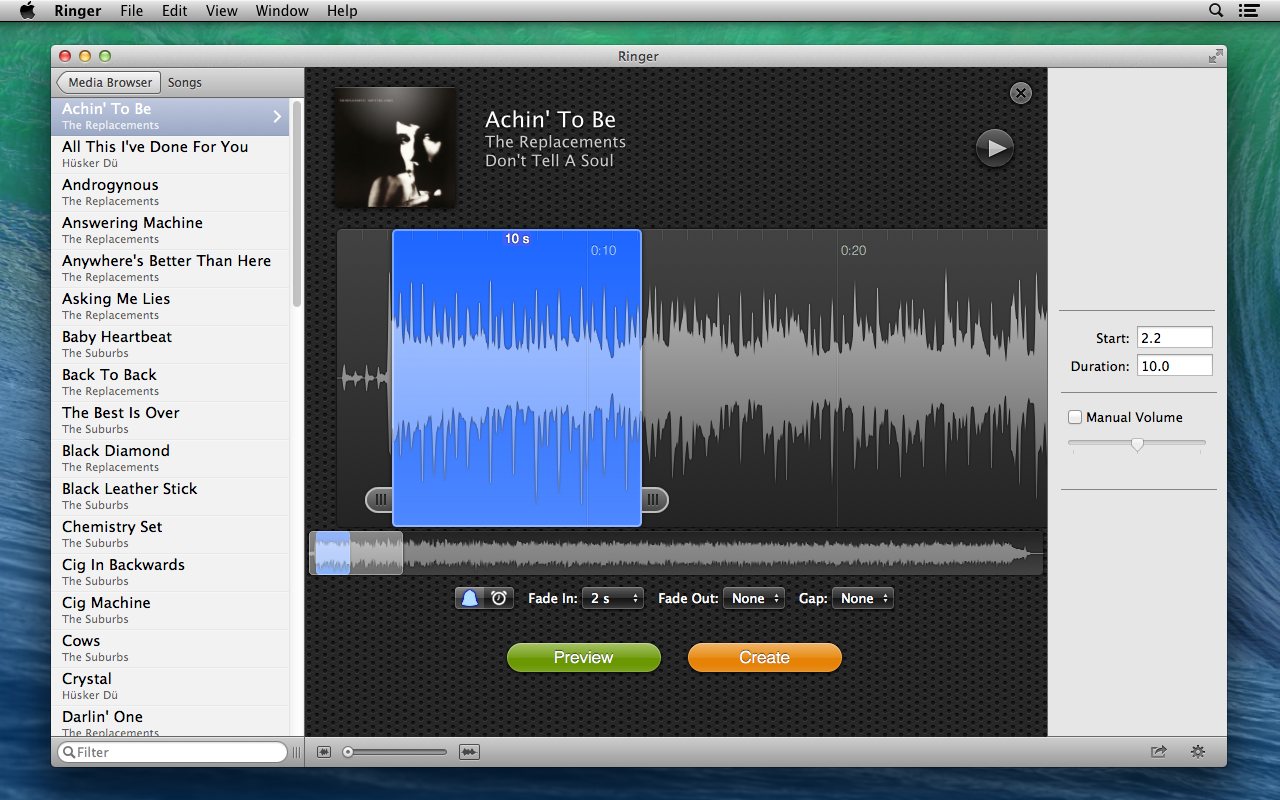
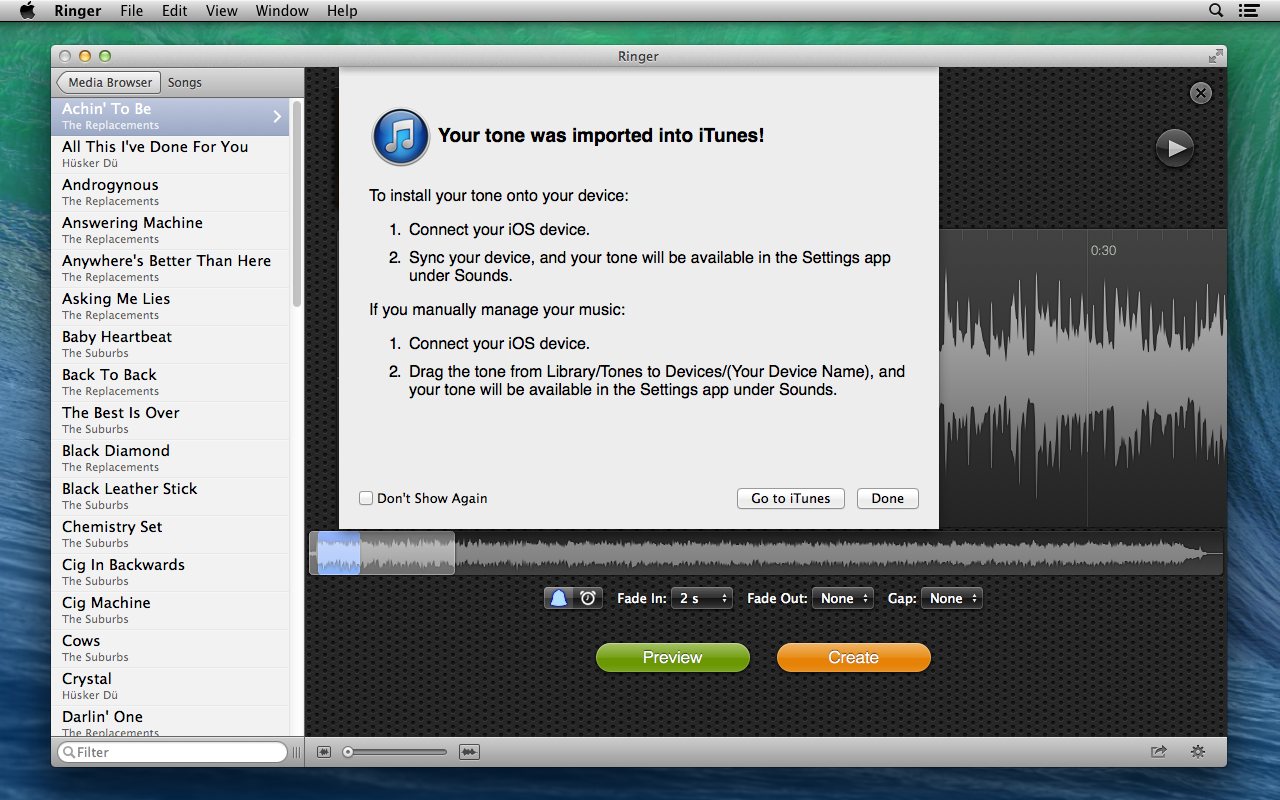
See the waveform
Quickly find the perfect spot, or the exact point where the sound stops.
Fade in and out
Smooth fades help you avoid abrupt cuts.
Ring gaps
Control the pause between rings.
Automatic volume
Keeps ringtones from being too loud or too quiet.
Alert and text tones
Create ringtones, alert tones and text tones with precise timing.
How it works
Try it free
Download Ringer and try it as long as you like. Until you buy a license, an audio watermark is added to the beginning of each ringtone you create.
Lost your license? See recovering your license. Apple employee? Get a free license.